
Step 1
Tell NutriChat what you ate or exercised
Type naturally or upload a meal photo. You can also log workouts in the same chat.
How It Works
NutriChat is built around plain-language logging. Tell it what happened, and it handles the nutrition math.
Step 1
Type naturally or upload a meal photo. You can also log workouts in the same chat.
Step 2
The app interprets portions, ingredients, and activity details to estimate calories and macro values.
Step 3
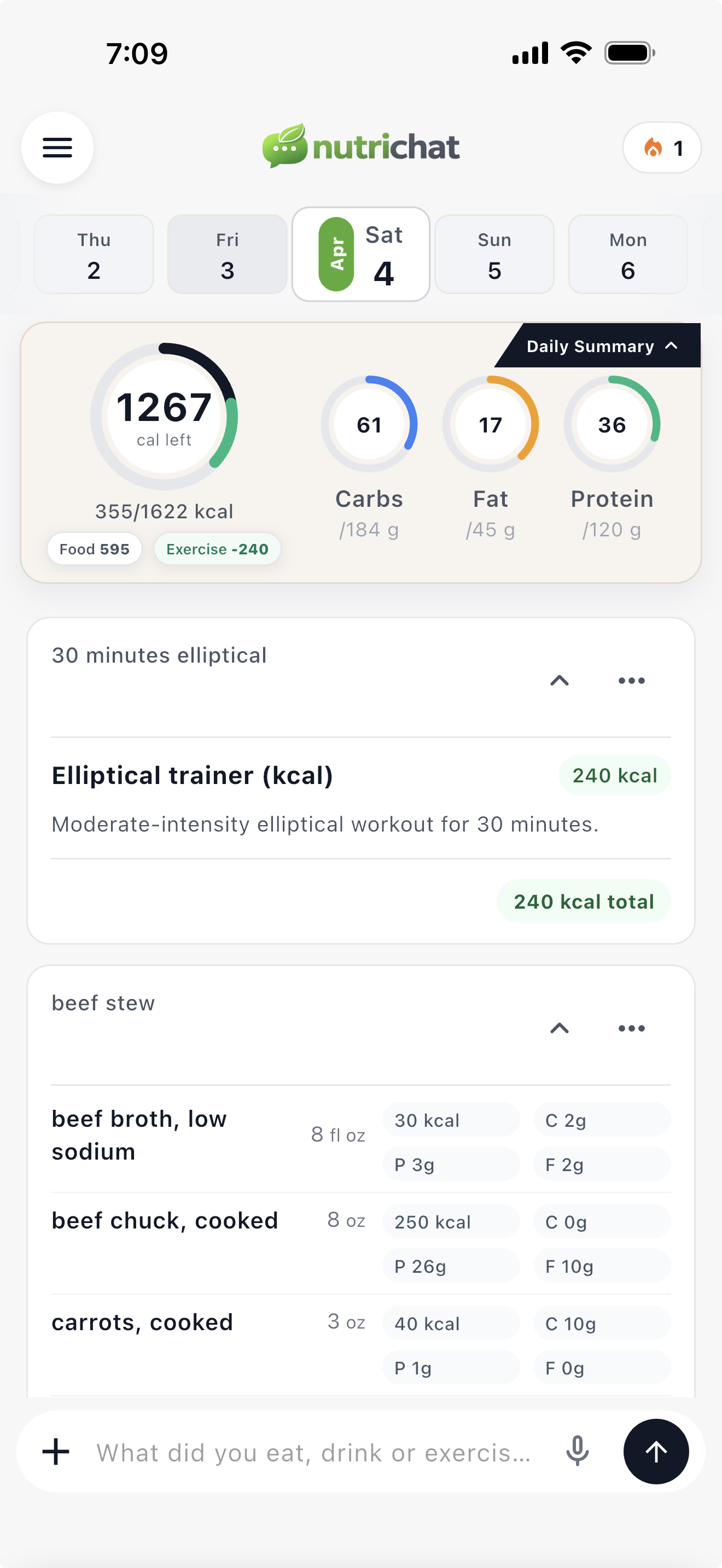
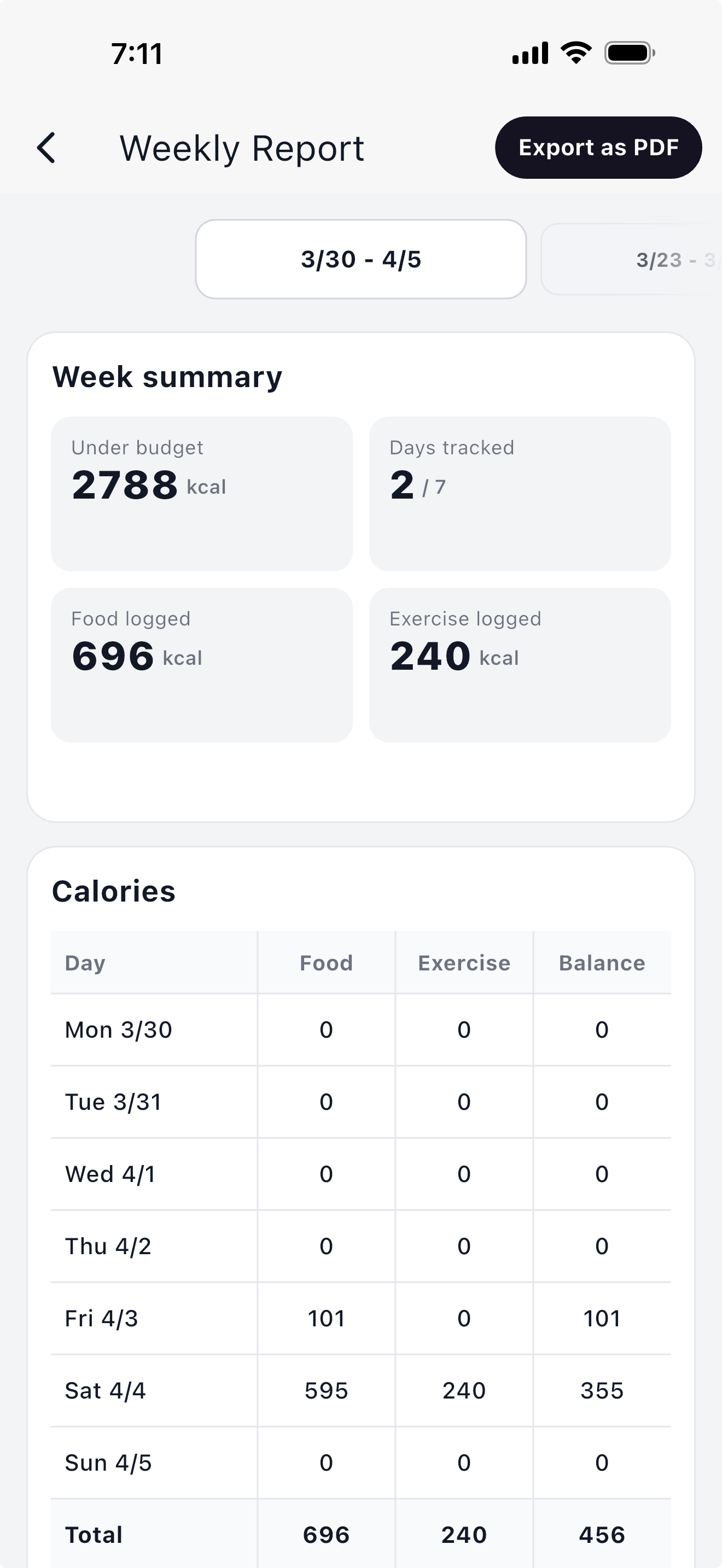
See calories, macros, meal summaries, and progress against your daily goals in one place.
Text logging example
You: “Breakfast was oatmeal with banana and peanut butter, plus coffee.”
NutriChat: “Estimated 510 kcal • 18g protein • 67g carbs • 20g fat.”
Photo logging example
You: “Uploaded lunch photo.”
NutriChat: “Likely chicken bowl with rice and veggies. Estimated 620 kcal.”
Exercise example
You: “35 min incline walk + 20 min upper-body workout.”
NutriChat: “Logged activity and updated your daily progress timeline.”
Open NutriChat, describe what happened, and get nutrition insights without the usual tracking friction.